Some people just type commands in the terminal when using Claude Code, run tasks, and close it.
But I’ve found that most people aren’t really using it to its full potential.
Claude Code isn’t just a programming tool; it’s more like the most awesome productivity powerhouse right now.

The prerequisite is you need to set up a proper working environment for it.
The following 6 tricks are what I use daily at high frequency, each solving a real pain point.
After using them, efficiency at least doubles.
The default terminal isn’t unusable, but if you interact with Claude Code for hours every day, switching to a different terminal offers a completely different experience.
I use WaveTerm.
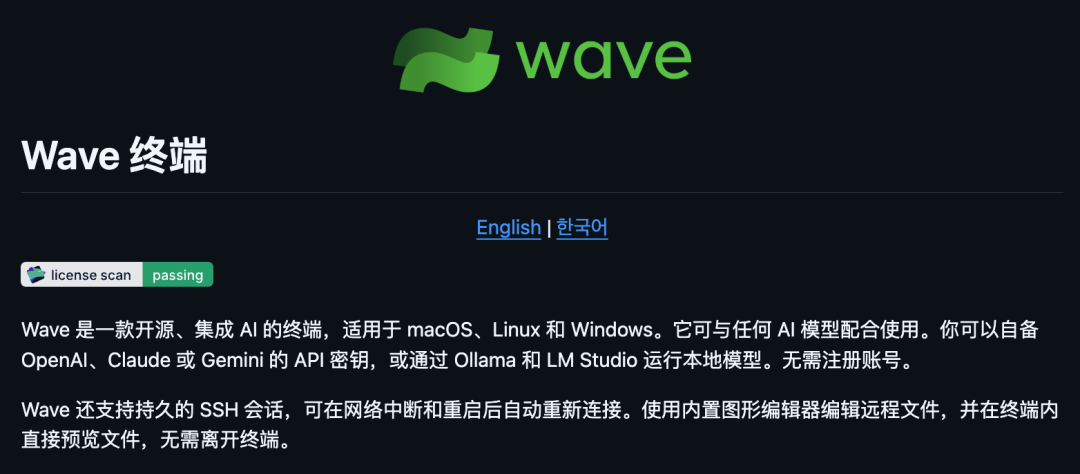
It’s not just a reskin of a traditional terminal; it integrates an AI assistant, file editing, file preview, web browsing—everything in one window.
<span leaf="" style="color: rgba(0, 0, 0, 0.9);font-size: 17px;font-family: mp-quote, 'PingFang SC', system